How to reset your password
Get back into your account if you've forgotten your password.
Duplo Dashboard · How-to guides · Last updated
If you've forgotten your password, you can reset it from the sign-in page. This guide shows you how.
Let’s dive in!
Steps
-
When signing in, click Forgot Password below the password field.
-
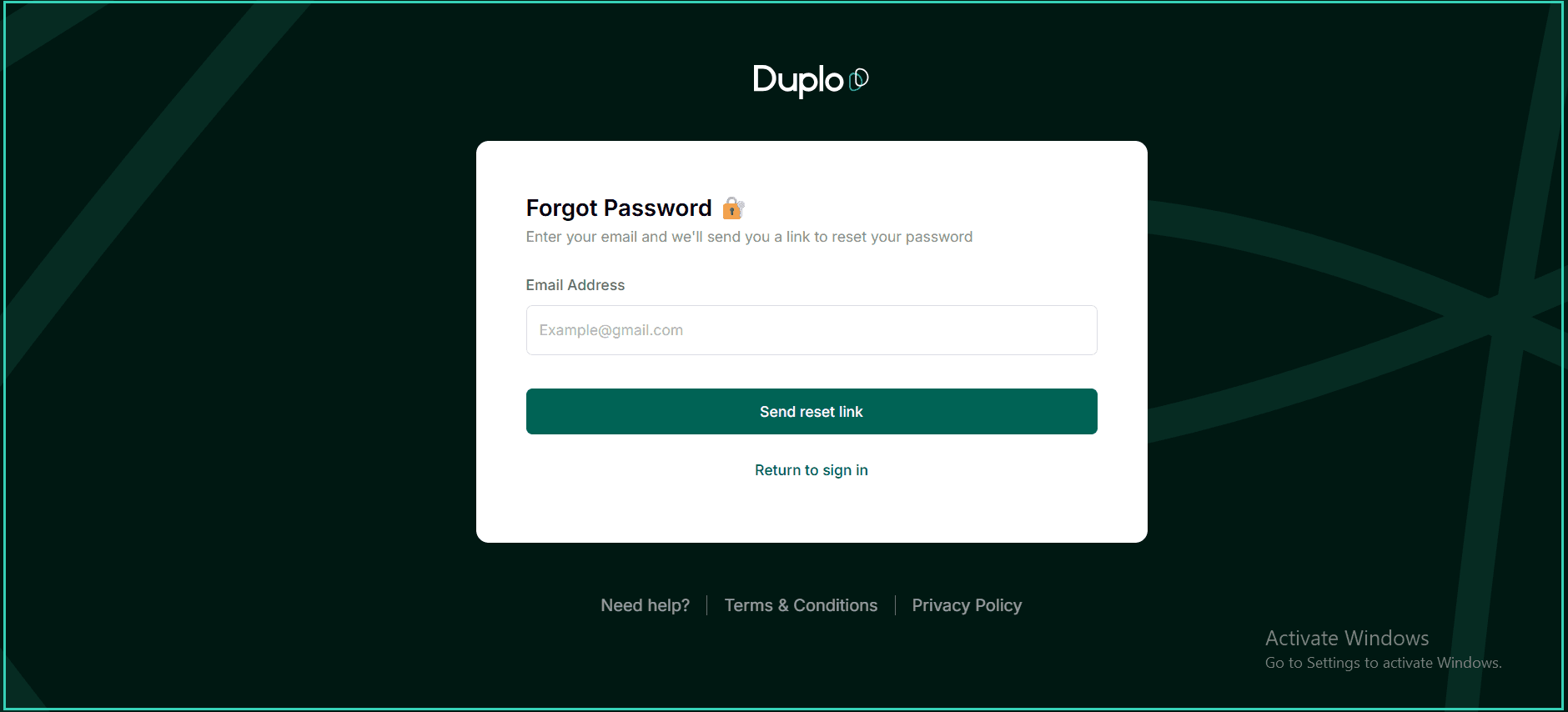
A verification page will appear asking for your email address. As shown below:
-
After inputting your email address, a reset password OTP will be sent to your email, Input the OTP and set up a new password.
Congratulations! You've successfully Reset your password.
Was this article helpful?
Related articles
Still need help?
Send a ticket to our support team and they will get back to you.