How to create an expense category
Add categories so every expense is grouped the way your business reports it.
Duplo Dashboard · How-to guides · Last updated
Creating expense categories is crucial for organizing your business finances effectively. This guide will walk you through the process of creating an expense category in Duplo Dashboard, helping you streamline your expense tracking and reporting. By categorizing your expenses, you'll be able to better analyze your spending patterns and make informed financial decisions.
Let’s dive in!
Steps
-
Log into your Duplo Dashboard
-
Click on Settings and select Expense Categories
-
Click Create Expense Category
-
Fill in the required fields and click Create. as shown below:
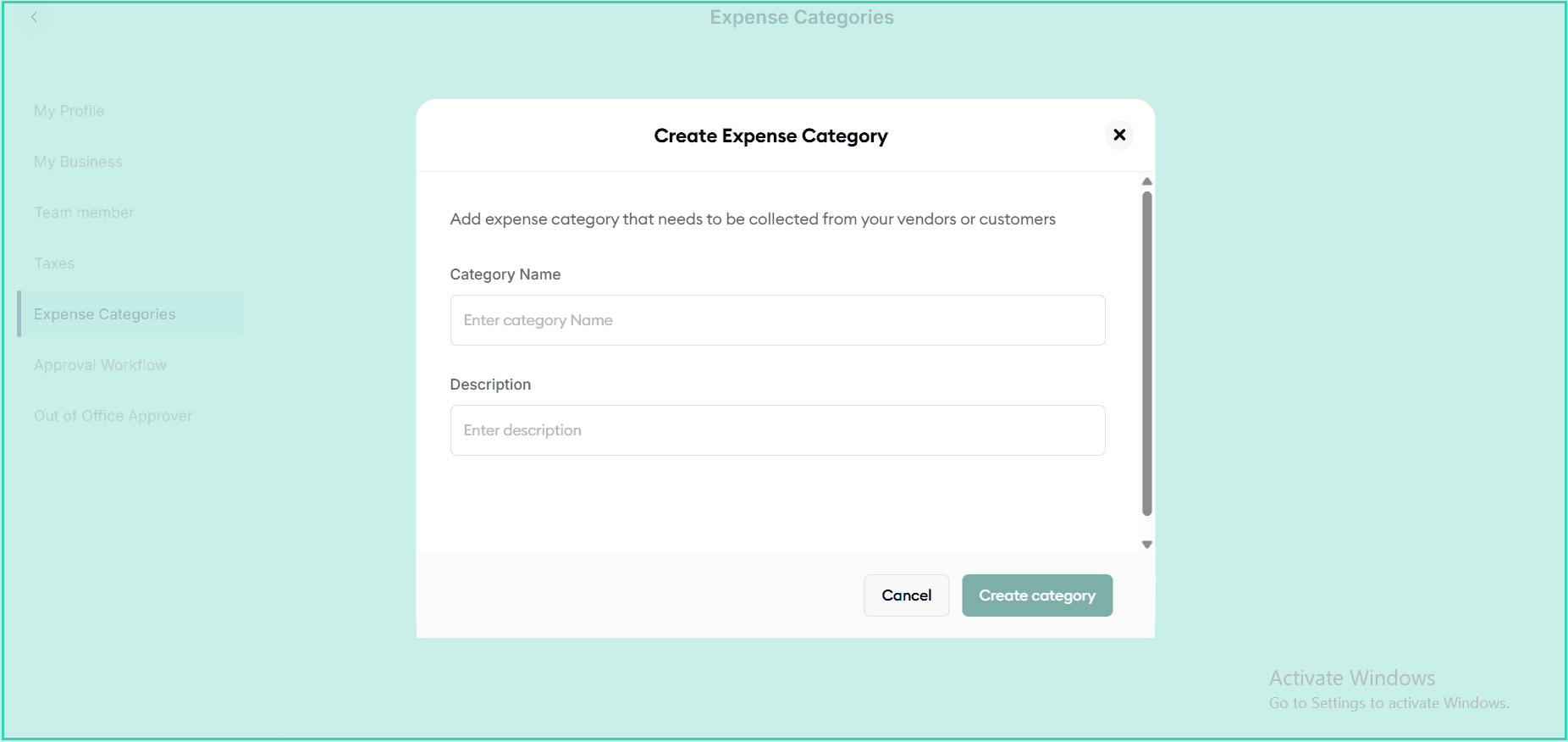
You have successfully created an expense category.
Was this article helpful?
Related articles
Still need help?
Send a ticket to our support team and they will get back to you.